Best Free AI Tools Without Login (2026) — Tested & Worth Using
If you’re anything like me, you’ve probably clicked on an AI tool, got excited… and then immediately closed the tab when it asked you to sign up.
I’ve tested dozens of AI tools over the past few months while working on blogs, YouTube content, and small projects—and honestly, not all of them are worth your time. Some are slow, some are limited, and many just want your email.
So in this post, I’m sharing the best free AI tools without login that I’ve personally tried and actually found useful for daily tasks.
⚡ These tools are perfect if you want quick results without wasting time on accounts or subscriptions.
Quick Comparison (Based on My Usage)
Tool
What I Used It For
My Experience
Upgrade Worth It?
ChatGPT
Blog ideas, scripts
Very powerful but limited without login
✅ Yes
Copy.ai
Captions, hooks
Fast and simple
✅ Yes
Scribbr
Rewriting content
Clean and accurate
❌ Not needed
QuillBot
Improving writing
Helpful but limited free
✅ Yes
Canva
Thumbnails, posts
Super useful
✅ Yes
DeepAI
Quick text ideas
Basic but fast
❌ Not needed
Remove.bg
Image editing
Works instantly
✅ Yes
Why Use AI Tools Without Signup?
When I first started, I wasted a lot of time just creating accounts instead of actually working.
These no-login tools helped me:
Test ideas instantly
Avoid spam emails
Stay focused on creating instead of signing up
If you’re a beginner, this makes a huge difference.
7 Best Free AI Tools Without Login (My Real Experience)
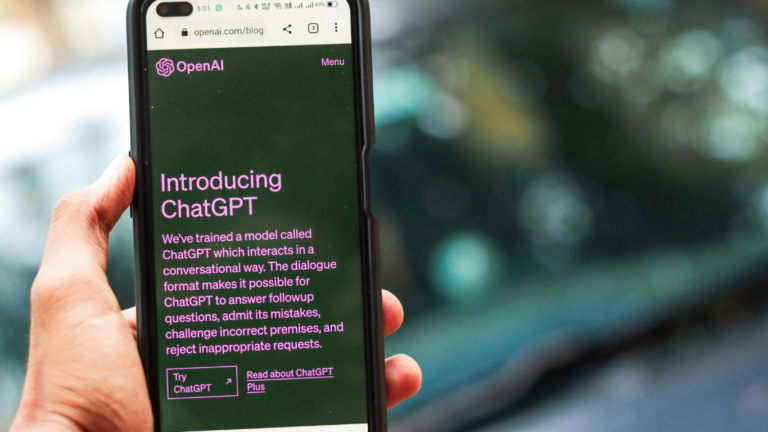
1. ChatGPT (Free Access)
When I had no idea what to do, I would just keep asking ChatGPT for different ideas—what I could start, how I could make money, which online businesses might suit me, and how to actually begin. It helped me a lot in my early phase. And honestly, I didn’t even have the pro version back then, but it still supported me really well.
I mostly use ChatGPT for blog ideas and YouTube scripts, and honestly, it saves a lot of time. The best part is how quickly it gives clear, structured output.
Best for: Writing, brainstorming, content creation
My honest recommendation : Use it for creating blog outlines and video scripts (like YouTube Shorts or Instagram Reels). It will help you a lot in those areas.
But I wouldn’t suggest relying on it for image creation, as the results aren’t always that great.
💡 My take: Free version is good to start, but if you’re serious, upgrading saves a lot of time.
2. Copy.ai (Free Tools Section)
I tried Copy.ai when I needed quick Instagram captions—and it worked surprisingly well. The outputs are short, catchy, and require very little editing.
It’s especially helpful when you don’t feel creative or don’t know what to write. You just enter a few words about your topic, and it generates multiple caption ideas instantly. As a beginner, this saves a lot of time and removes that “what should I write?” confusion. It’s simple to use, beginner-friendly, and perfect for social media content.
My Recommendation :
If you use it for social media captions or marketing copy (like ad campaigns), it works really well. But for long-form content like blogs, it doesn’t deliver the same quality results.
💡 My take: Great for beginners. Upgrade only if you create content regularly.
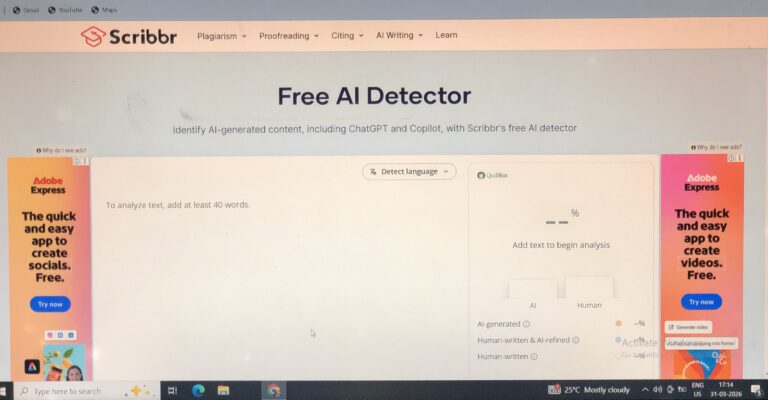
3. Scribbr AI Paraphrasing Tool
I edited some of my blog paragraphs using Scribbr, and it made them clearer without sacrificing their sense. Unlike some tools, it doesn’t make the text sound robotic.
It just cleans things up and makes them look more professional, so I think it’s quite helpful when your stuff seems a little sloppy or hard to understand. It’s easy to use and perfect for novices, particularly if you don’t yet have a lot of confidence in your writing.
Best For : Students, Bloggers & Content Writers, Non-native English speakers, Beginners in writing.
Simple Verdict : Scribbr AI is not for generating ideas from scratch—it’s best for improving and refining what you already wrote.
💡 My take: One of the few tools where free version is enough.
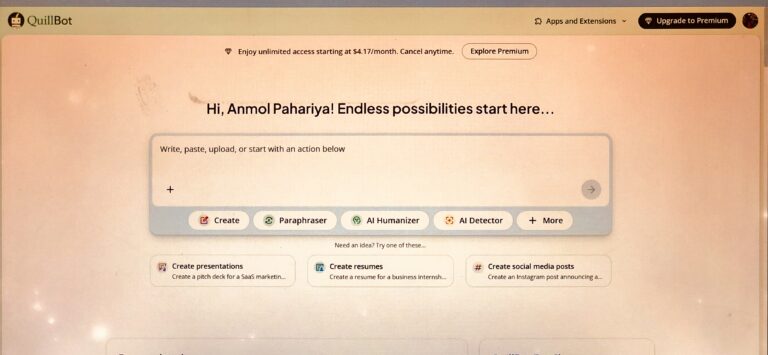
4. QuillBot (Limited Free Access)
QuillBot was something I used when my content appeared too simple. It enabled me to rework sentences in a more polished and professional manner. However, the free version has limits that might be frustrating.
To be honest, my English isn’t great, thus I use QuillBot to paraphrase my blog entries. It rewrites my content in such a fluid and natural way that it does not appear to have been authored by me. It has considerably accelerated the rate at which I publish blogs. And, because of my earlier hesitancy due to low fluency, I used to delay a lot—but since using this, that problem has substantially reduced.
Best For : Paraphrasing (Core Feature), Grammar Checker, Summarizer Tool, Citation Generator, Tone & Clarity Improvement, Time-Saving.
My FinalThought: QuillBot is not a magic tool, but it’s a powerful assistant. If you use it smartly (edit + add your own touch), it can seriously improve your writing quality and save time.
💡 My take: Worth upgrading if you write daily.
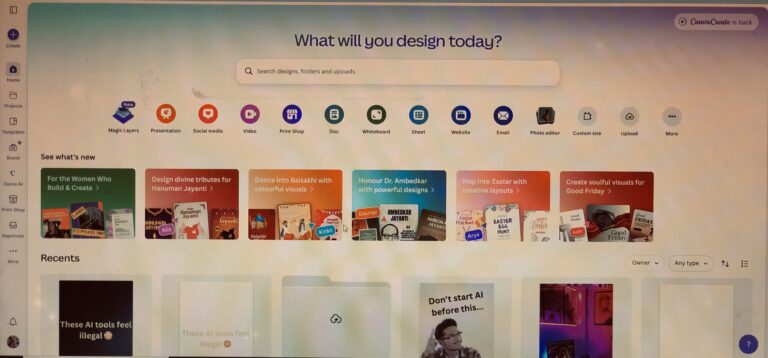
5. Canva Magic Write
Canva has been one of my most useful tools on my journey. I’ve used it to make YouTube thumbnails, YouTube Shorts, Instagram Reels, Pinterest pins, and a lot more. The AI writing feature is useful, but the real power is in integrating text and design.
Canva is not simply useful for creating posts and images, as many websites claim. I’ve also used Canva to create many videos, and I must say that it has produced excellent results.
If you are skilled in graphic design, you can make money with Canva’s Canva Creators Program.
Best For : Content Creators, Graphics designer, Students.
💡 My take: Canva Pro is honestly one of the best investments if you’re serious about content.
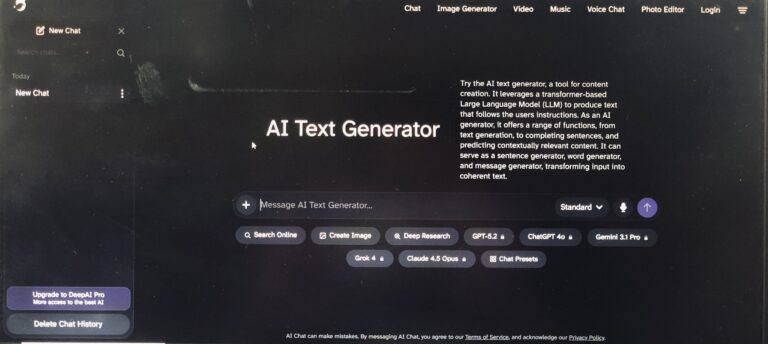
6. DeepAI Text Generator
DeepAI Text Generator is a quick and easy-to-use AI writing tool that allows you to write material instantaneously without requiring any login. It’s ideal for generating blog ideas, short paragraphs, captions, and overcoming writer’s block. This free application is ideal for students, bloggers, and content creators, as it saves time and increases productivity. While it is adequate for simple writing tasks, users can improve the output to produce high-quality, SEO-friendly text for better results.
Key Benefits :
No Login / Instant Access
Fast Content Generation
Completely Free (Basic Use)
Simple & Easy to Use
Idea & Inspiration Generator
Lightweight Tool (No Overwhelm)
Best For : Beginner bloggers, Students, Social media creators.
💡 My take: Not for serious work, but useful in a pinch.
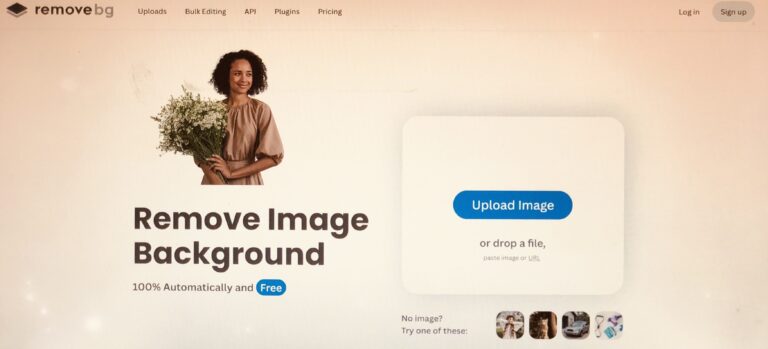
7. Remove.bg
If you need to remove backgrounds from photographs quickly, Remove.bg is the best option. Its accuracy is so high that it frequently outperforms Canva. It also has a bulk picture processing capability, which is really useful.
If you’re into eCommerce, product sales, or affiliate marketing, this tool is a great alternative. The only disadvantage is that the free version does not include high-resolution photographs, but the accuracy is genuinely exceptional.
Best For : Bloggers & Content Creators, eCommerce Sellers, Social Media Creators, Graphic Designers, Marketers & Agencies.
My take: Huge time saver, especially for beginners.
How I Would Use These Tools to Make Money
If I had to start over, this is what I would do:
Use ChatGPT → to create blog posts and content ideas. Use QuillBot → to improve writing fluency and polish. Use Canva → to create visually appealing Pinterest pins. Use Remove.bg → to create clean, professional thumbnails
This simple approach is sufficient to get started without becoming overwhelmed. If you want to start but are unsure how, simply follow these instructions and get started without overthinking.
🧠 Most of the Smart Bloggers (including me 😎) use both together.
They Remove background using Remove.bg (for best quality) and then Upload cutout into Canva and Design thumbnails, blog images, or ads.
Pros and Cons (From My Experience)
✅ Pros
Instant access
No signup friction
Beginner-friendly
❌ Cons
Limited features
Some tools feel basic
Not ideal for advanced work
Final Verdict
These free AI tools are ideal for getting started quickly and without overthinking.
I personally used these while learning and writing material, and they really helped me save time and stay consistent.
However, if you’re serious about developing quickly or earning money, updating 1-2 key products (such as ChatGPT or Canva) might make a significant difference.
Frequently Asked Quesions (FAQs)
Are these tools really free?
Yes, but some have limitations.
Can beginners use them?
Absolutely. That’s what I used them for.
Which one should I start with?
Start with ChatGPT and Canva—they cover most needs.

 If you’re new here, start with this guide: