
Hidden tools that can Save Time, Reduce Costs, and give you an Unfair Advantage…
Most blogs keep talking about the same AI tools. Canva, ChatGPT, and Jasper. Over and over.
The problem is that you won’t get any benefits if everyone is using the same tools.
I found something interesting when I started looking into AI tools that weren’t on the “popular list”:
👉 Some tools that weren’t as well-known were actually better for small businesses
In this guide, I’m going to tell you about some AI tools that don’t get enough credit.
- Actually useful in real business situations
- Not as much talked about (so you have an edge)
- Beginner-friendly
1. Durable AI – Build a Business Website in 30 Seconds
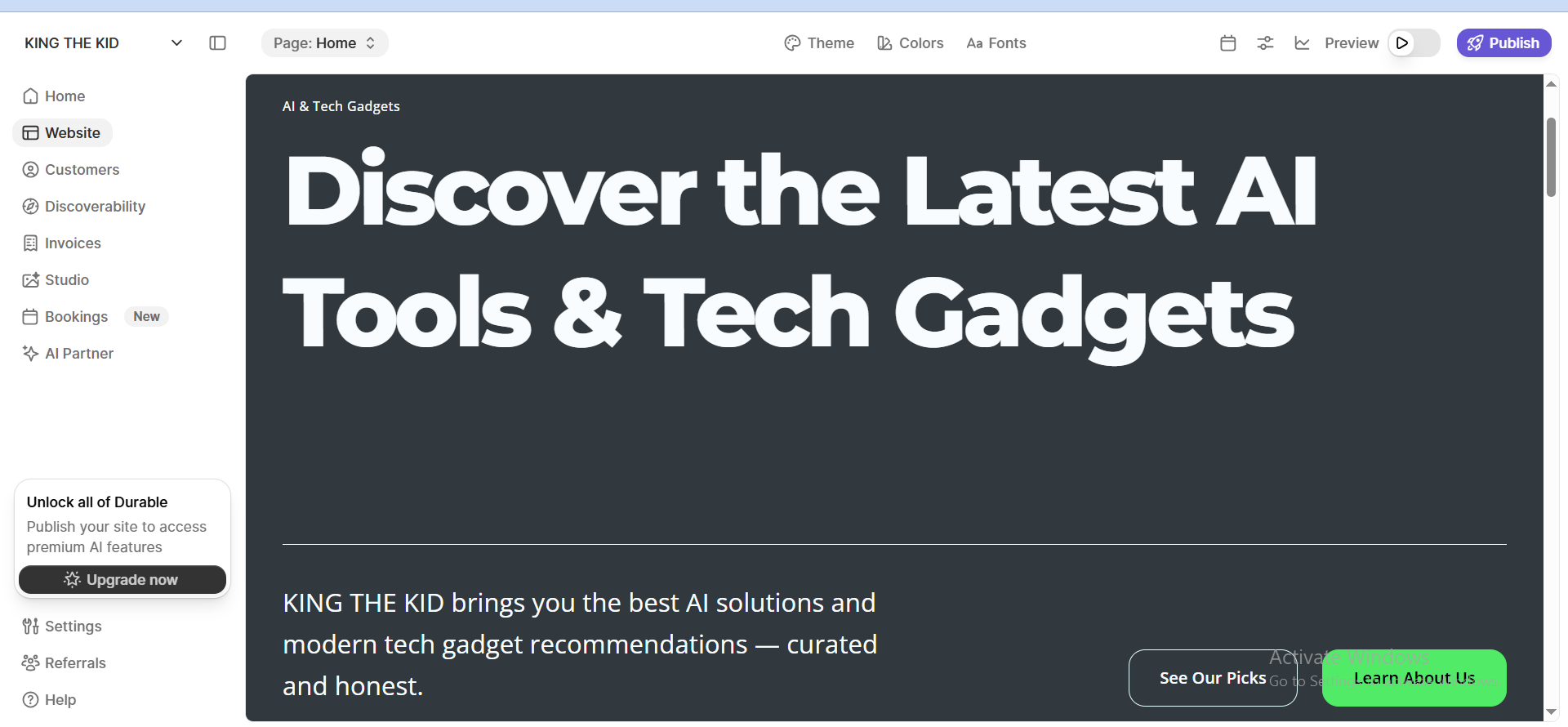
👉 I tested it for my website, and it created a decent landing page faster than WordPress setup.
Very few people know about this, but Durable AI is an AI-powered website builder that can create a pretty good website for you in just a few seconds—complete with content and design.
If you want to build a business website without making it too complex and want to launch it quickly to start earning, there’s hardly a better tool than this. I personally recommended it to some of my friends, and they were really happy because they didn’t have to waste time or spend extra money hiring a developer. Now, they’ve even started marketing their websites.
I also used it in the beginning to create my own website. It gave me a good idea of design, but I still had to customize things a bit. For blogging, quality content, and SEO, it can feel a bit too simple, and it doesn’t offer the same level of design control as platforms like WordPress or Webflow.
Why it’s Underrated:
Most people still think building a website = expensive + technical.
2. Tidio AI – Automate Customer Support
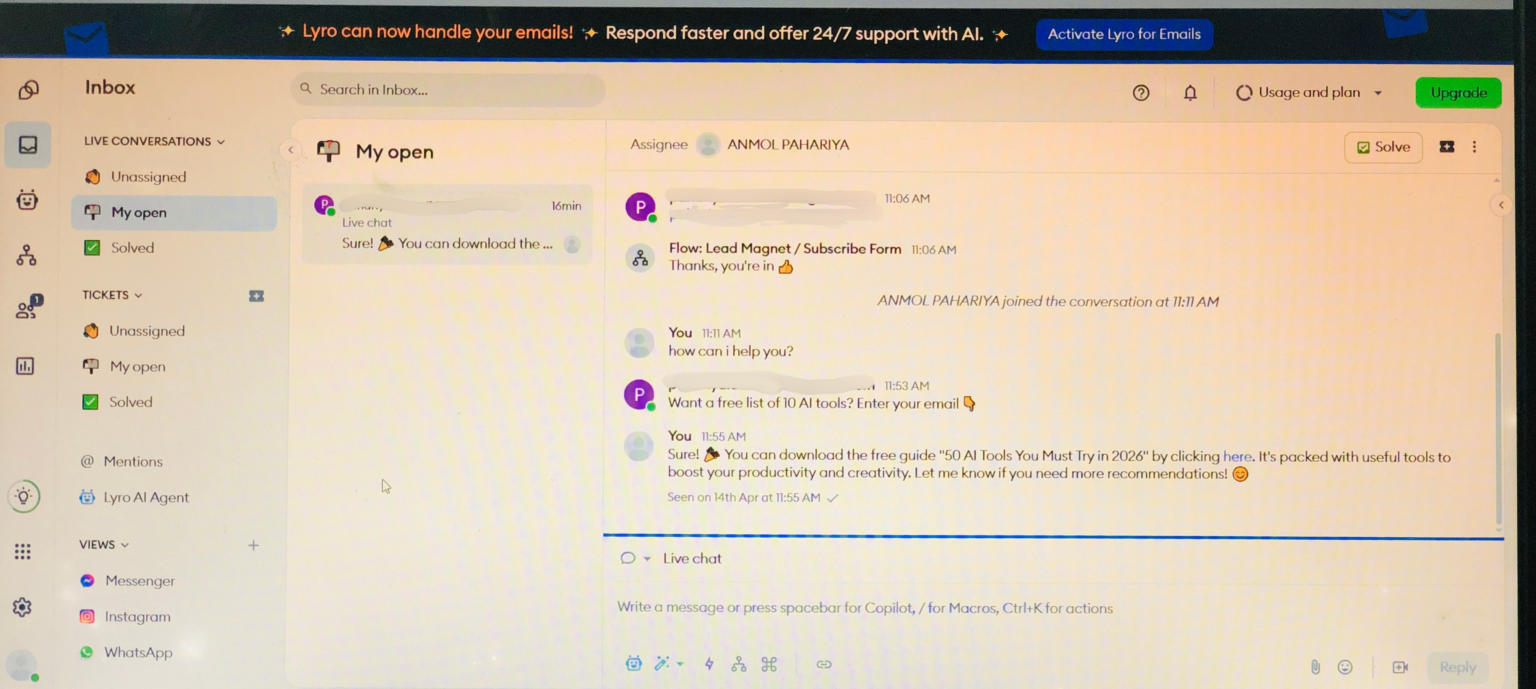
Now that you’ve learnt about Durable AI, there’s another AI tool you may not have heard about. It’s called Tidio AI. Tidio AI is a customer service and sales automation tool (chatbots, live chat, and AI responses). It is primarily meant for online businesses and websites.
To put it simply, it functions like an employee for your firm. It offers 24/7 customer service to your clients or audience, even when you are not available. It is extremely beneficial to Small business owners, E-commerce store owners, and Affiliate marketers or Bloggers. This tool can be highly valuable for small business owners who do not have the budget to hire a full-time employee.
One of Tidio’s biggest features is its ease of integration. No technological expertise is required. It works seamlessly with platforms like as Shopify, WordPress, and Wix. It takes only minutes to set up and requires no code.
However, the free plan offers extremely limited consumption. For serious use, you should upgrade to a premium plan.
💡 Real case:
If someone visits your site at 2 AM:
👉 Instead of leaving, they get answers immediately → higher conversion chances
3. Pictory AI – Turn Content into Videos
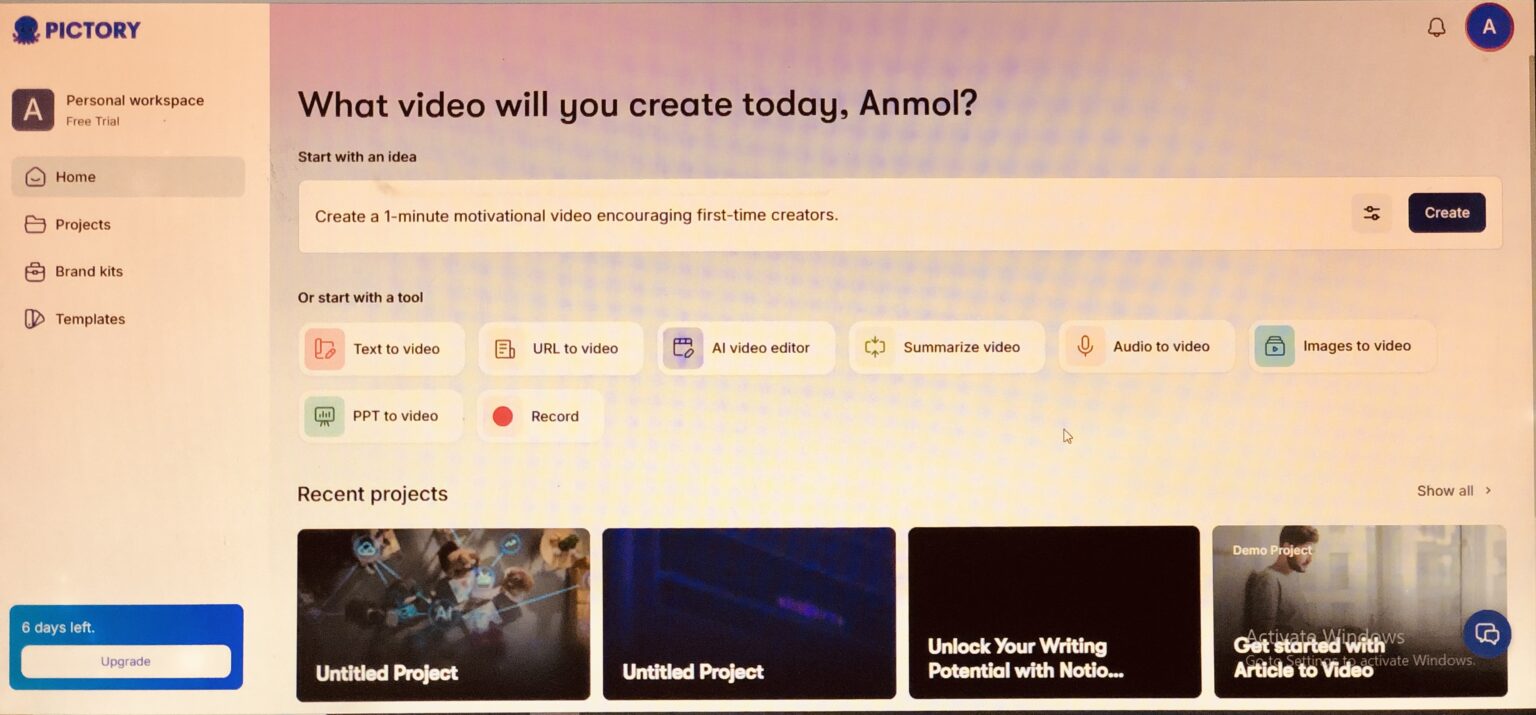
I also mentioned Pictory AI in my previous blog. It’s an easy-to-use tool that is very helpful for beginners, small business owners, and marketers. If you want to create an advertisement for your product to promote on YouTube or Instagram, there’s hardly a better tool than this. It’s especially useful for new bloggers, content creators, or digital marketers who don’t have any video editing skills—it can create videos for you effortlessly in just a few seconds.
The only downside is that the videos can feel a bit common or generic, and you don’t get much advanced control over editing. But for automation, it works really well. However, if you want to become a serious content creator, don’t rely only on this tool. It will definitely help you get started and give you a basic video concept, but you still need to use your own creativity. You can also take the video it generates and edit or improve it further using other tools like Canva.
Pictory converts:
- Blog posts → videos
- Scripts → short clips
You write one blog → turn it into:
- YouTube video
- Instagram reels
- Pinterest video pins
👉 That’s content multiplication without extra effort
4. Looka AI – Branding Without a Designer
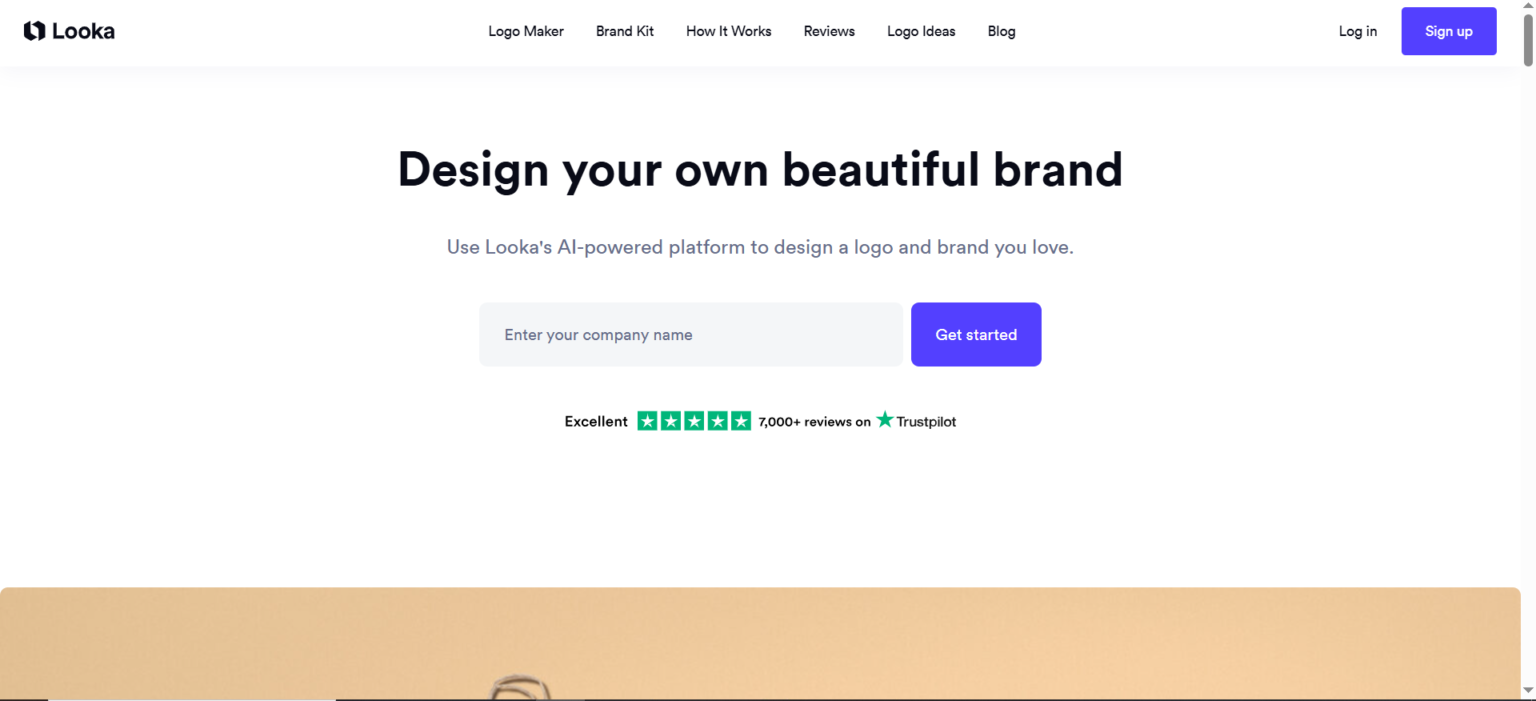
If you’re a fresher or a startup founder who’s just getting started, this tool can feel like your best friend. Its name is Looka AI. If you want to try something new—like launching a brand, testing ideas, opening a Shopify store, or starting as a freelancer—but you’re feeling stressed about branding and design and keep delaying things… then honestly, don’t overthink it. Just sign up for this tool and start. Stop procrastinating and take Action.
I understand that in the beginning, budgets are very tight, and dealing with designers can also be frustrating. This tool helps you there by saving around $50 to $500. Along with logo design, it also provides you with a complete brand kit and ready-made marketing materials.
Yes, once your business grows and you have some money to invest, you can definitely hire a designer (you can find them on Canva or Fiverr). Because sometimes the logos from Looka can feel a bit Generic, and it also has Limited Deep customization options.
🌟 More importantly, these tool don’t require any signup—just start using them right away.
5. Taskade AI – Simple Team & Workflow Management
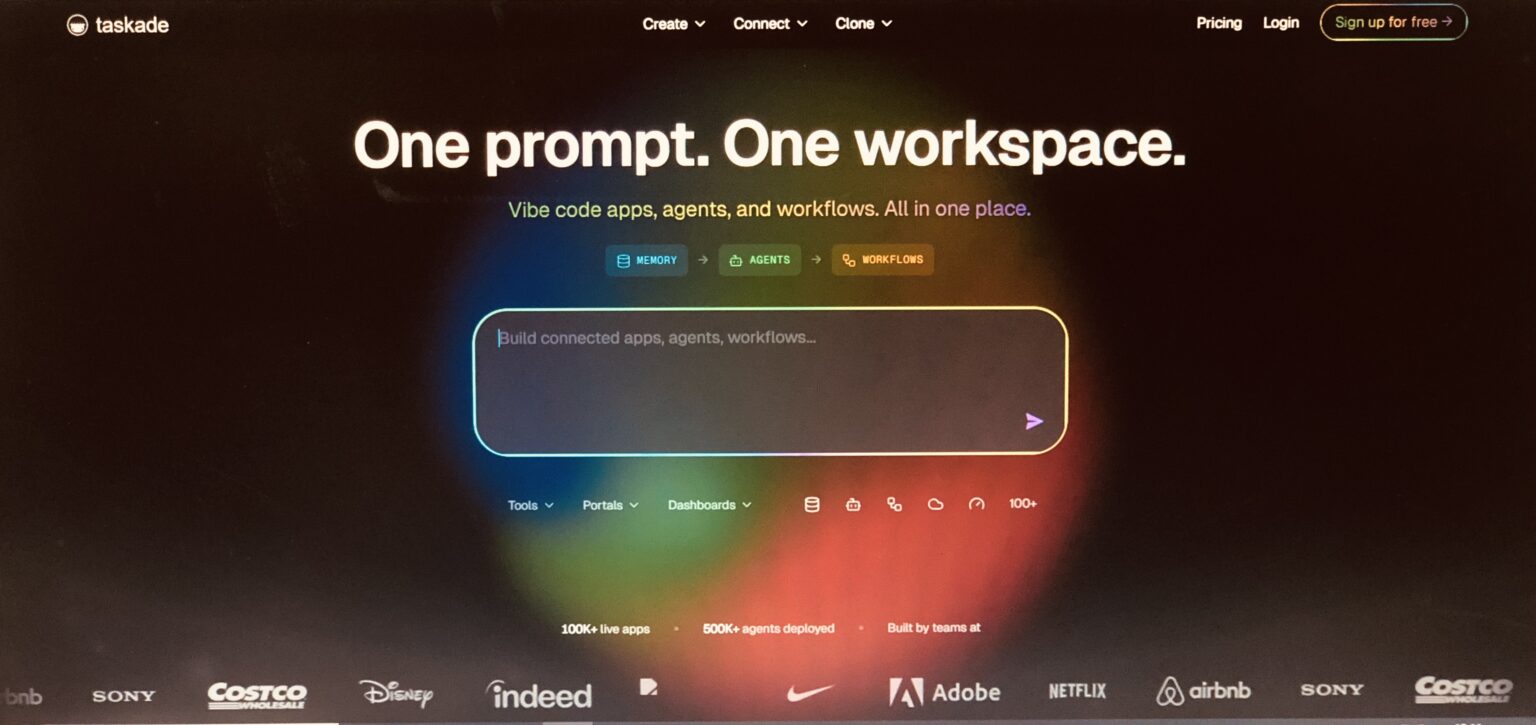
Taskade AI is a tool that lets you get a lot of work done in one place without any hassle. You can think of it as a mix of Notion, ChatGPT, and project management tools like Trello or Asana—but much simpler and more real-time to use. With Taskade, you can manage your tasks, take notes, and even get help from AI for writing, planning, or organizing your work.
What makes it even better is that you can work with your team members live, in real time. You can chat and even have video calls directly inside the workspace, so there’s no need to switch between different apps. It also offers multiple views like lists, kanban boards, calendars, and mind maps, which makes it super easy to organize your work in a way that feels natural and comfortable.
Compared to Notion AI, Taskade feels much more beginner-friendly and faster to set up. While Notion is powerful but can feel overwhelming at first, Taskade focuses on simplicity and real-time collaboration, which makes it a better choice for users who want quick results without a steep learning curve.
👉 I’ve seen beginners struggle with Notion — Taskade feels simpler.
👉 Basically what Taskade is for,
idea → plan → execute → manage, all in one place.
6. Krisp AI – Remove Background Noise Instantly
One day, I was hanging out with a friend of mine (a content creator). When we reached a place, he took out his phone and started filming a video (to create content). I asked him, “Bro, aren’t you having any problem shooting a video in so much noise? Your audio won’t be clear at all.”
That’s when he told me about this super cool AI tool called Krisp AI.
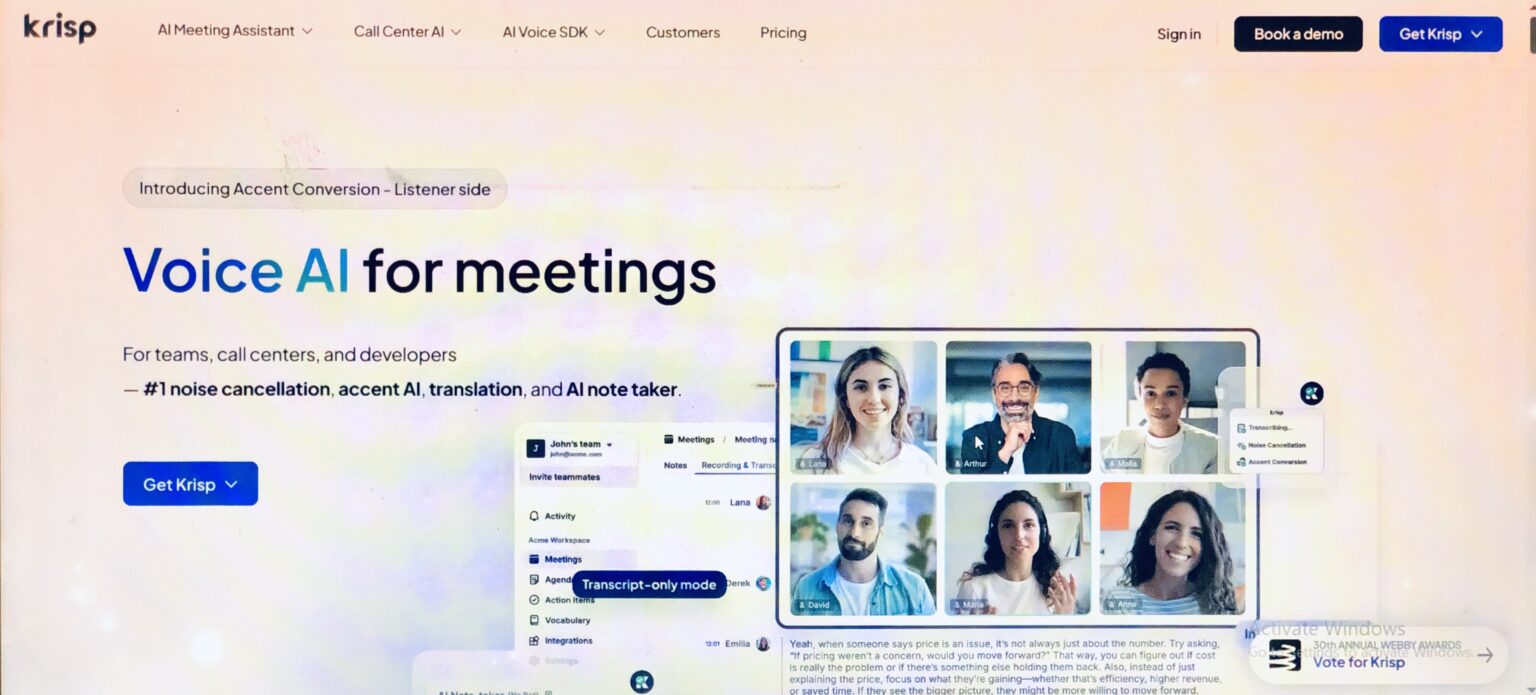
It’s a noise cancellation and voice enhancement tool, mainly designed for calls, recordings, and online communication. It can integrate with almost any platform like Zoom, Google Meet, Microsoft Teams, Discord, and Slack. When I researched more about it, I found out that it also has an AI Meeting Assistant. With this, you can:
- Record meetings
- Transcribe conversations
- Generate summaries
This helps you focus on the discussion instead of taking notes.
If you’re a beginner, this tool can help you a lot in content creation. It provides clean audio without needing expensive microphones or soundproof rooms.
Krisp AI is like a “background noise eraser + voice booster + meeting assistant” in one tool.
👉 If you rely on communication for work, it’s a high ROI tool.
7. Tome AI – Smart Presentations That Don’t Look Boring
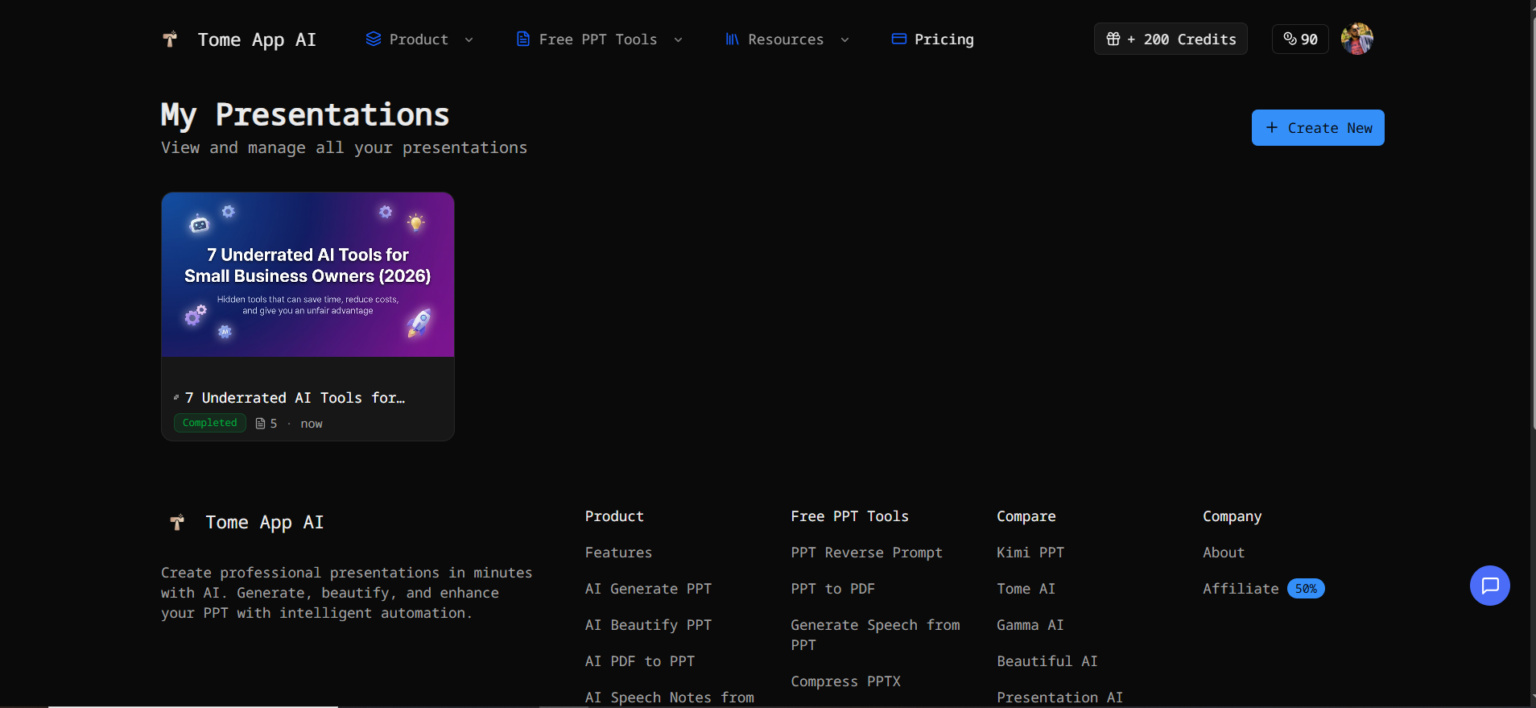
Tome AI makes creating presentations feel effortless. Instead of spending hours designing slides, you can simply enter your idea and let AI build a clean, structured story for you. It’s especially useful for bloggers and content creators who want to save time and make their content more engaging.
Who Should Use Tome AI (Specially)
Tome is BEST for people who:
- Hate making slides manually 😄
- Need fast, clean presentations
- Want storytelling + visuals together
- Don’t have design skills but still want premium output
Don’t Overload Yourself
If you’re a fresher or a small business owner who wants to scale your work—especially in the beginning without hiring any employees—then just start with these 3 tools. Don’t overthink it.
👉 Start like this:
- Website → Durable
- Content → Pictory
- Support → Tidio
That’s enough to see real impact.
AND IF, you are a CORPORATE EMPLOYEE or STUDENT, you must try TOME AI once.
How These Tools Give You an Advantage
Most small businesses:
- Don’t use AI properly
- Or use only basic tools like ChatGPT, Gemini.
If you use even 2–3 tools from this list:
👉 You’ll save time
👉 Respond faster
👉 Look more professional
That alone can separate you from competitors.
Final Thoughts
You don’t need dozens of AI tools. You need the right ones that solve real problems. These underrated tools are not just “cool” — they’re practical. Even I have tested Some of them Personally.
If you implement even one of them this week, you’ll start seeing the difference.
Frequently Asked Questions (FAQs)
What are the best hidden AI tools for small businesses?
Some underrated tools include Durable AI, Tidio AI, Pictory AI, and Taskade, which help automate websites, support, and content creation.
Are AI tools useful for small business owners?
Yes, AI tools can save time, reduce costs, and help small businesses compete with larger companies.
Can beginners use AI tools for business?
Most modern AI tools are beginner-friendly and don’t require coding or technical skills.